

 Bulk Editor
Mixtable is an online spreadsheet, designed from the ground up to bulk edit and analyze Shopify data.
Got a question? We're here to help! Reach out at [email protected], and we'll get back
to you promptly.

If you manage Shopify orders in Mixtable, you can mark multiple orders as paid at once using an Action Column. Just select the orders in your spreadsheet, then sync the changes back to Shopify.
Make sure you have:
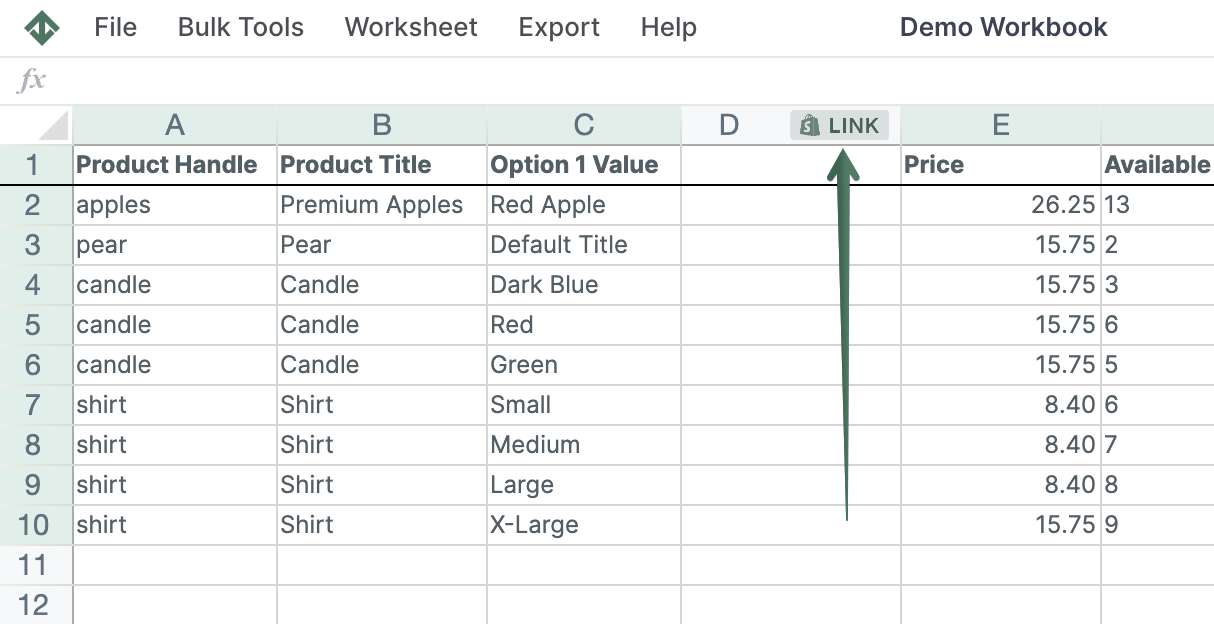
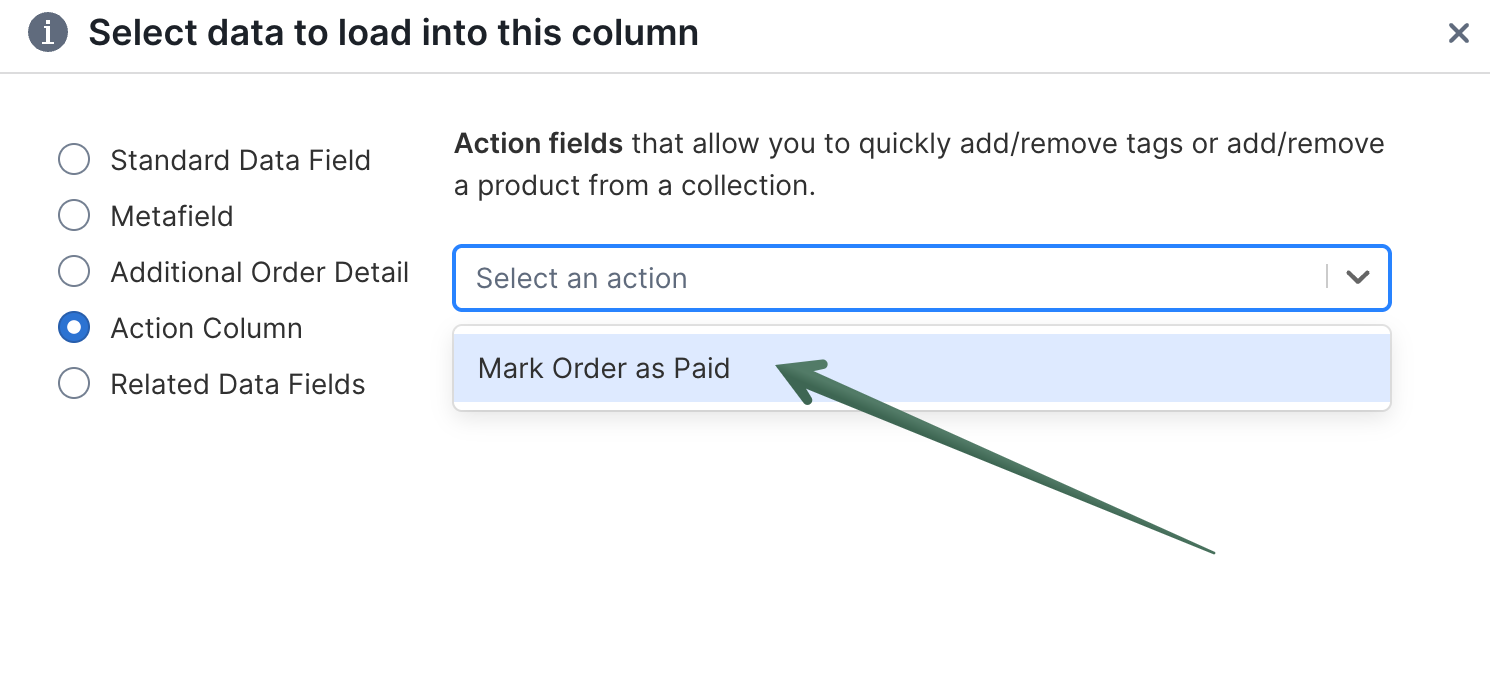
In the Action Column, enter true for each order you want to mark as paid in Shopify.
Tips:
true into multiple rows at oncetrueAfter syncing successfully, Mixtable automatically clears the true values from the Action Column.
Nothing happened
Make sure you entered true exactly (lowercase). Any other value will be ignored and may cause a sync error.
Shopify sync error
Some orders can’t be marked as paid due to Shopify restrictions or the order’s current status. Check the sync error details to see which orders failed and why, then try again.
You're ready!
Mixtable is an online spreadsheet designed to sync data with Shopify. It looks, feels, and behaves like Excel (including formulas), but runs in your browser. With Mixtable you can:
Best of all, you can sync changes back to Shopify with a single click. Find out more about the Mixtable suite of products here.