Effective Marketing Tactics for Shopify Stores [Updates for 2024 Holiday Season]
Let us explore the latest updates in Shopify that can help us prepare for the 2024 sales season!
# 1: Start early by growing your email list with Shopify Forms
- The native Shopify Forms app is available for free to all
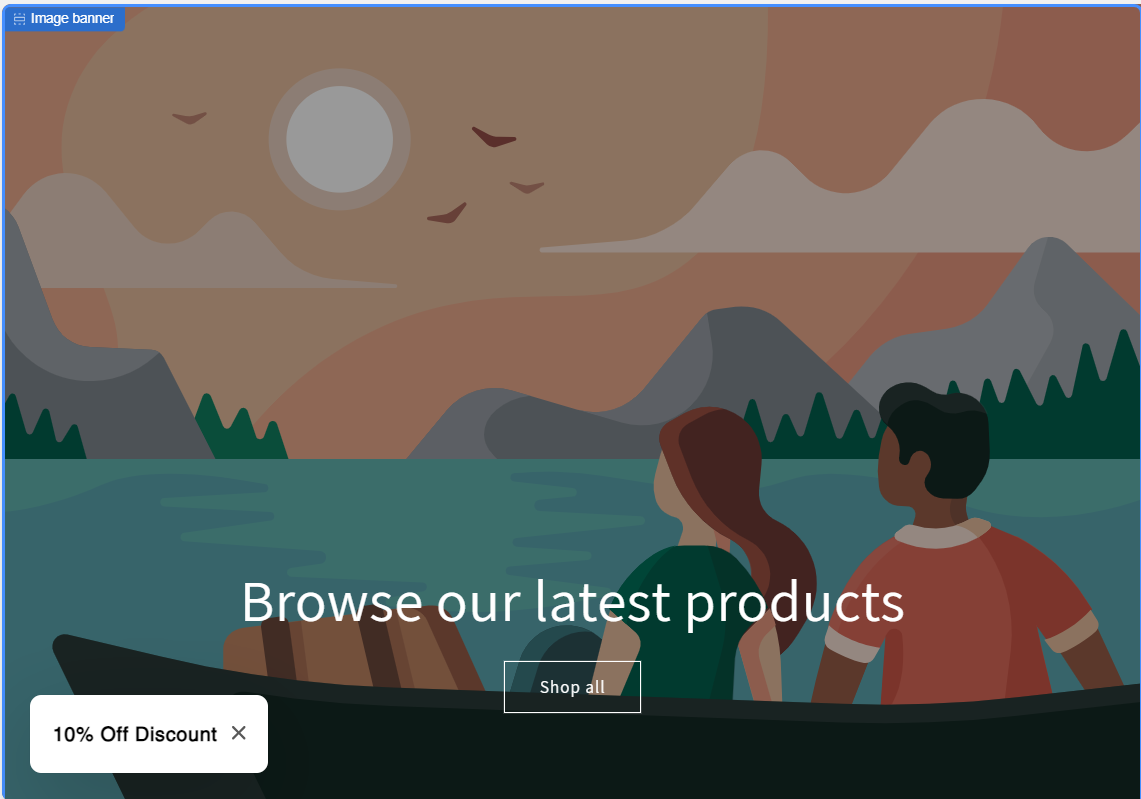
- Activate a Popup form on your site that doesn’t cover the whole screen. They work great and are compliant with Google requirements.
- Example Shopify Forms settings
- Shows popup after 30 seconds of browsing
- Position: left down corner
- Remember: always offer something in return for your customers’ data (in this case - the customer email), e.g. a simple 10% discount
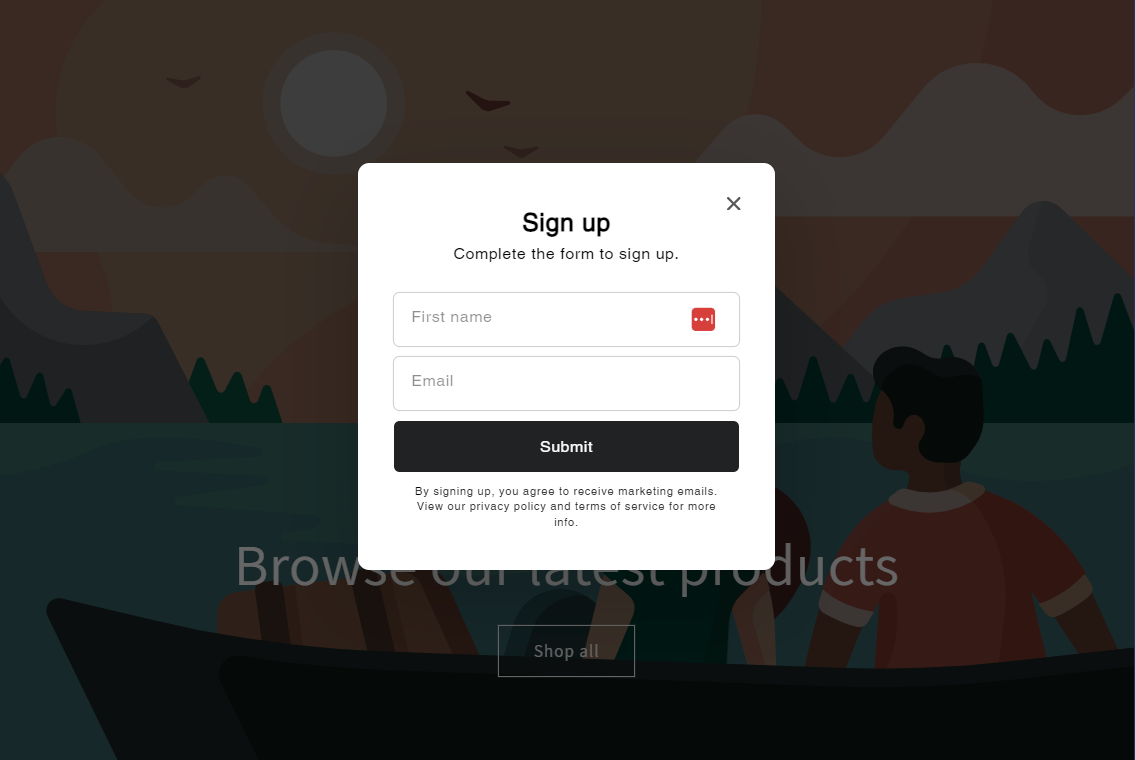
Note: Growing your email list is the first step for all other marketing efforts
#2: Personalize your campaigns with Shopify Segments
-
Use Shopify Segments to combine users into groups that make sense for your business.
-
The pre-built Shopify Segment templates (under Customers > Segments) offer a wide range of options for segmentation:
- First-time customers
- High-value customers
- Re-engage
- By browsing behavior
- By purchase behavior
- By location
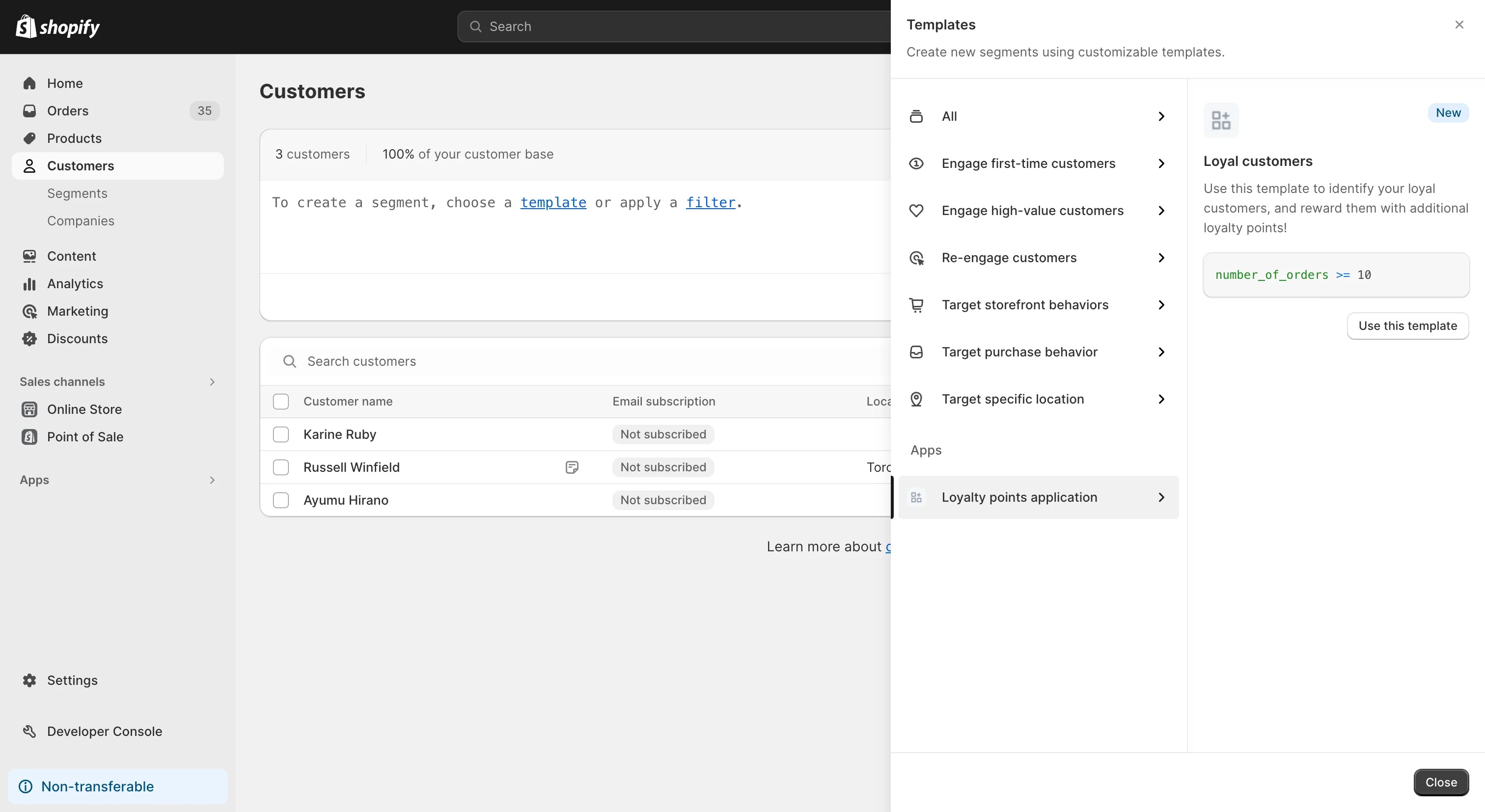
Image source: https://shopify.dev/docs/apps/build/marketing-analytics/customer-segments/build-a-template-extension
Shopify has done a nice job of offering different data-driven segmentation, and we urge you to take advantage of it. For example, under Engage High-value Customers templates, you can find subcategories like:
- High-value customers who purchased a product with a specific tag
- Engage high-value, high-intent customers, or our favorite
- Customers who are likely to spend more on your store (using predictive machine learning)
Note: You can bulk edit your tags and metafields with a spreadsheet bulk editor like Mixtable. You can filter products and add tags or other information in bulk, making it easier to manage products and customers.
#3: Test different strategies with Shopify Automation
Set up marketing workflows through Automations using Shopify marketing templates or create your own flows.
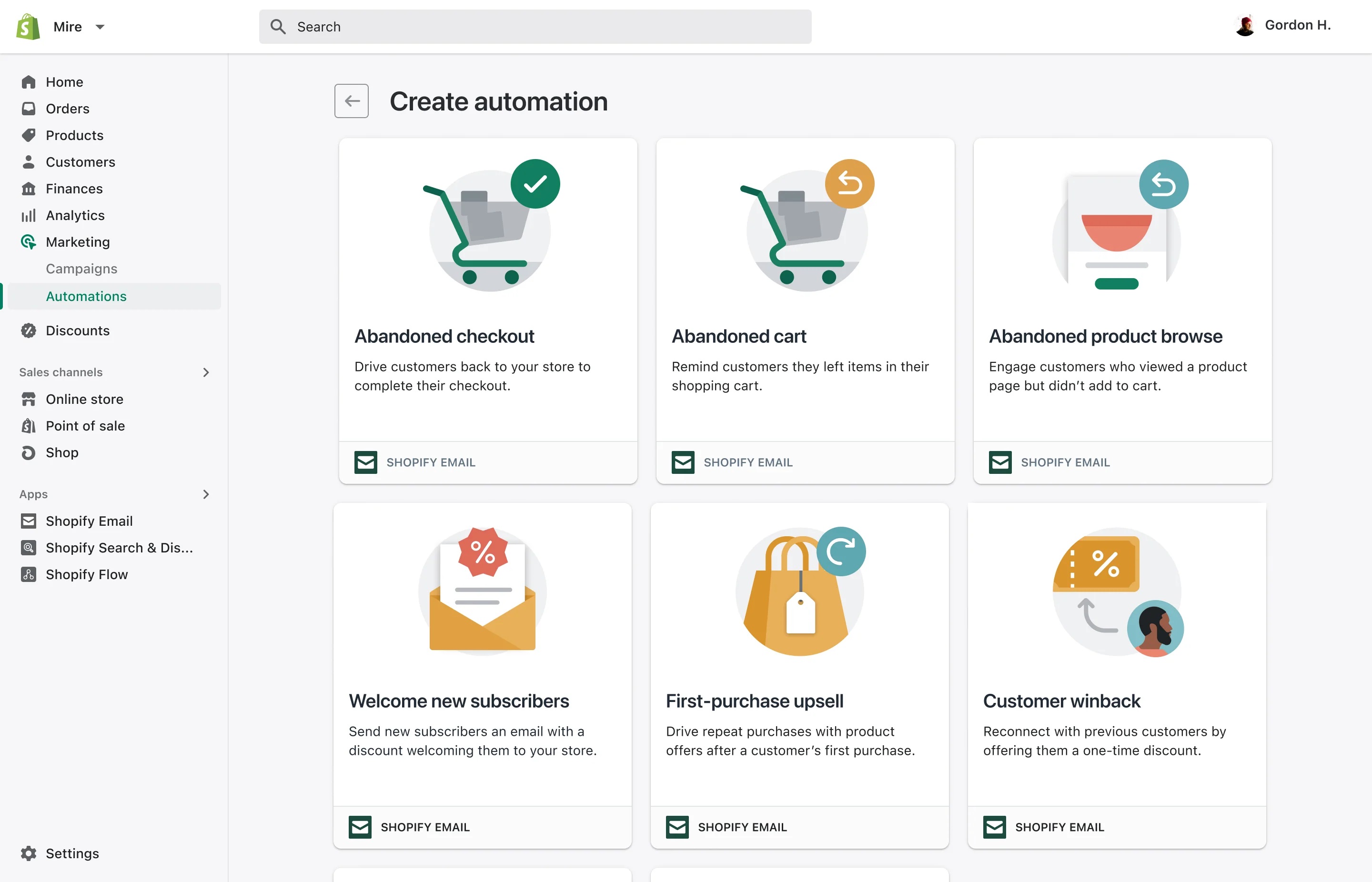
Image source: https://www.shopify.com/ph/blog/reengagement-automations
You can choose from several automation templates:
- Abandoned checkout
- Abandoned cart
- Abandoned product browse
- Welcome new subscribers
- First-purchase upsell
- Customer win-back
- Custom email automation
- 3rd party automation
Activating the pre-built automation is the first step, and it requires no time or other involvement from your side.
You can customize your automation by improving the triggers or the pre-generated marketing email afterward.
#4 Add more Product Variants - Shopify limit has been lifted from 100 to 2,000
-
Make it easier for users to choose: add products for all the variants, make product lists, and make it easier for them to select different colors and sizes, improve their shopping experience to the best of your ability!
-
Use the Color Swatches - the latest (and most required) feature made natively available in Shopify (video where it’s shown how to enable color swatches:
#5 Get ready with Countdown Sale, Limited-Time Offers, and Holiday Special tags:
- Prepare to create excitement and urgency by using countdown sales or limited-time offers. This strategy can help drive conversions by encouraging shoppers to make quick purchases before the offer expires.
- Start crafting your email marketing, social media advertising, and website banners to promote these promotions effectively.
- If you sell internationally, make sure you know the special dates for each of your markets so you can run local Holiday promotions - here’s a nice resource that can help you with the planning:
Note: You can bulk edit prices in different countries and compare-at prices per country with the Mixtable spreadsheet bulk editor.
Start planning for the 2024 holiday season - preparation and execution are key to a successful bottom line.