Add Images Action Column, More Date Formats, UI Updates, and More
Add images to Shopify products in bulk with an Action Column
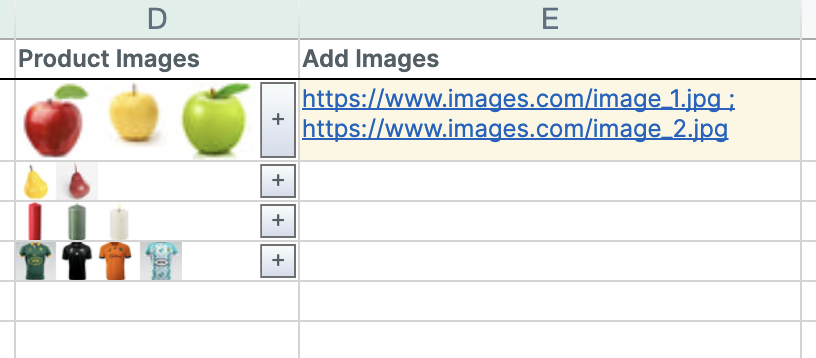
A new Add Images Action Column lets you attach images to Shopify products directly from your spreadsheet. Enter one or more image URLs in a cell, separate multiple URLs with semicolons, and sync. Mixtable uploads each image to the matching product in Shopify.
This works for both existing products and brand-new products you are creating in the same sync. If a URL fails to upload, only that URL stays in the cell so you can fix and retry it without re-entering the ones that already worked.
Read more: Add Shopify product images in bulk with an Action Column
More date and time format options
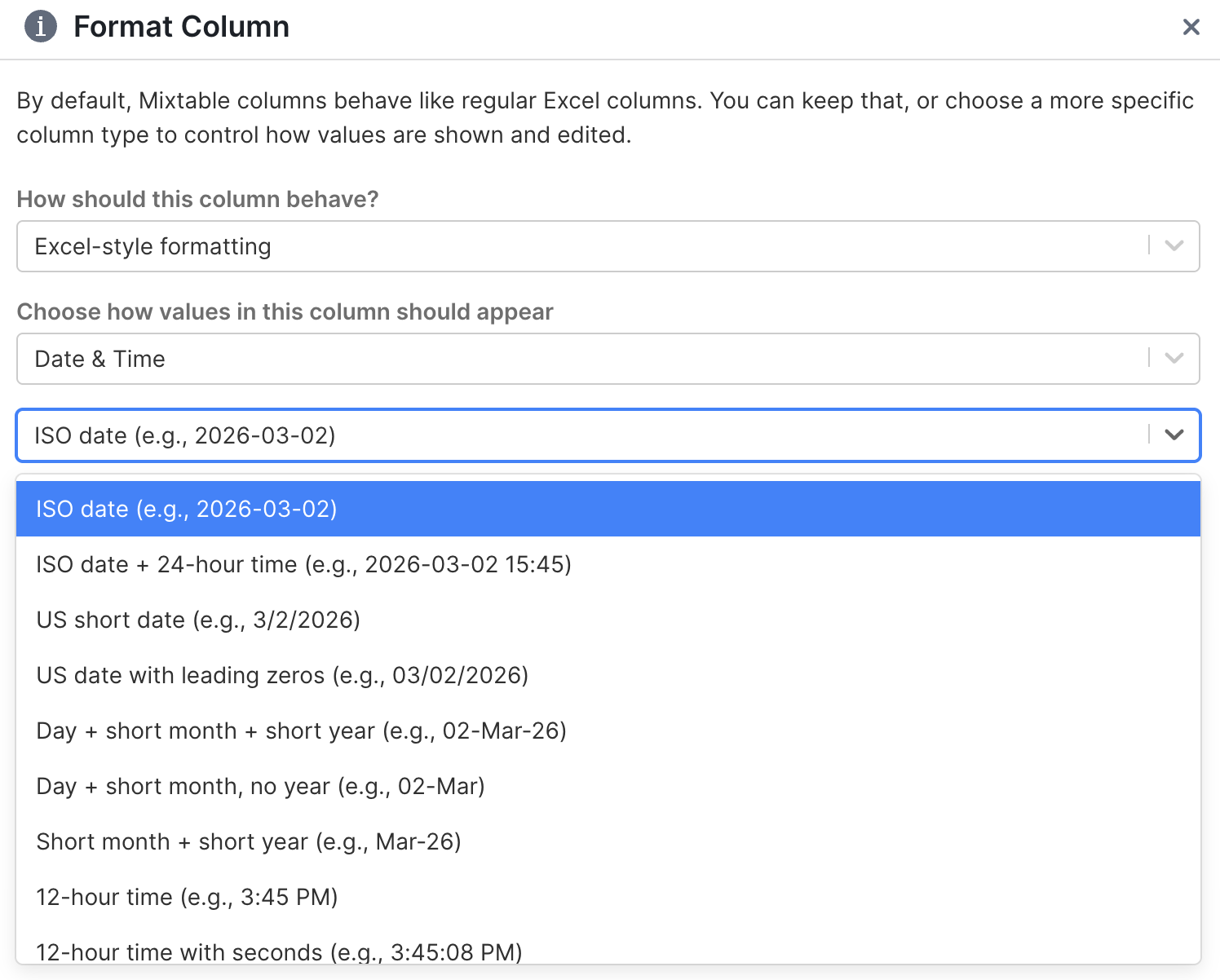
The Date & Time column format now supports a full range of date and time formats, up from a single ISO option. You can now choose from six date formats, a combined date and time format, and four time-only formats:
Date formats: yyyy-mm-dd, m/d/yyyy, mm/dd/yyyy, dd-mmm-yy, dd-mmm, mmm-yy
Date and time: yyyy-mm-dd hh:mm
Time only: h:mm AM/PM, h:mm:ss AM/PM, hh:mm, hh:mm:ss
Pick the format that matches how you and your team prefer to read dates, whether that’s ISO for data exports or a friendlier short format for day-to-day use.
Read more: Format columns in Mixtable
Improved column selection experience
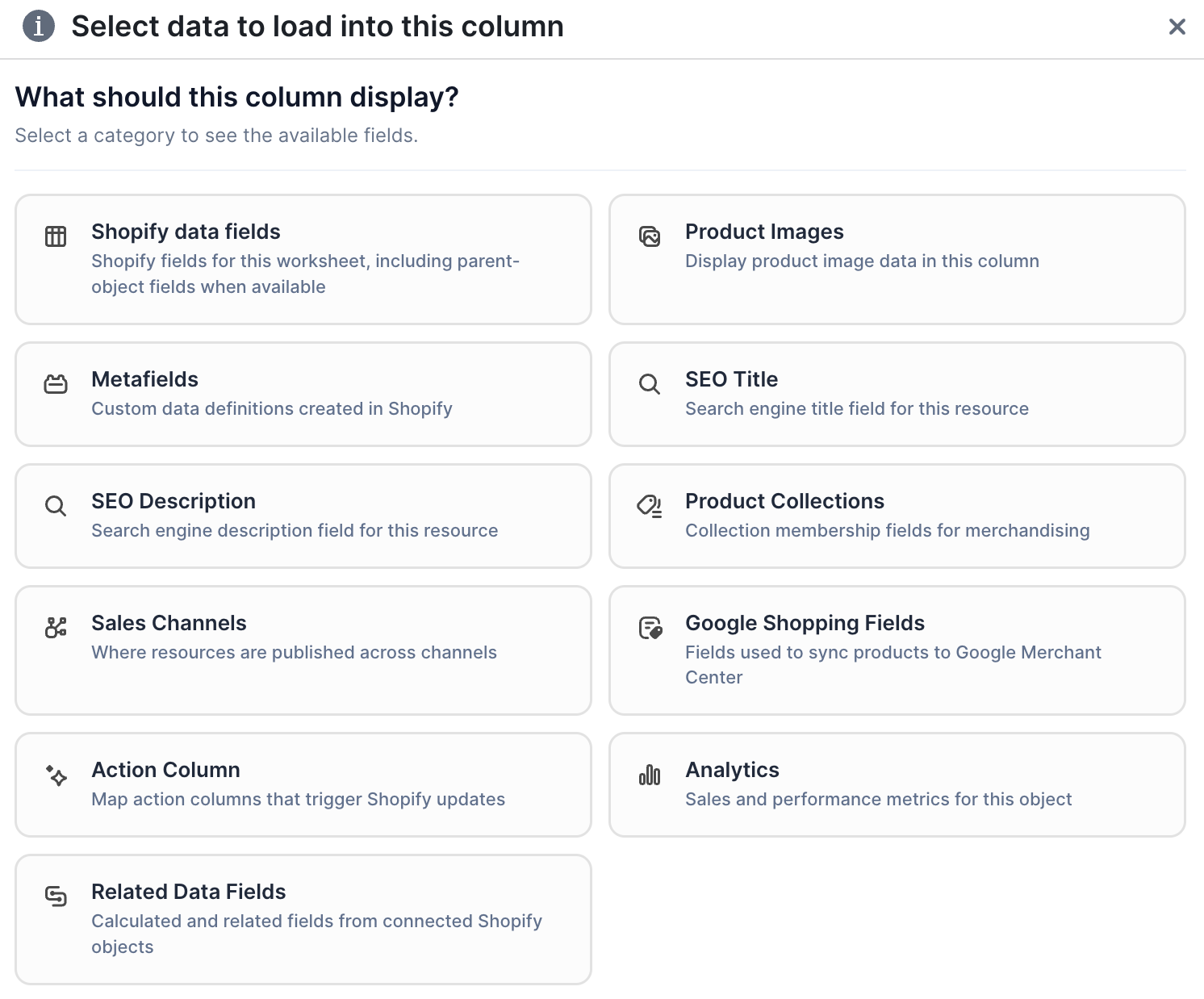
Selecting what data to display in a column is now faster and clearer. The column selection panel has been redesigned with a card-based layout that groups available field types into categories, making it easier to find what you need without scrolling through a long list. Each category shows a title and description so you always know what you are picking.
New worksheets fill with data faster
When you add a new worksheet to your spreadsheet, your Shopify data now appears significantly faster. You spend less time watching rows come in and more time working with your data.
Updated Order worksheet names
Order worksheets now use clearer, more descriptive names to make it easier to pick the right one when setting up your spreadsheet:
- Orders (no line items) — one row per order, with order-level data
- Orders (with line items) — one row per line item, with both line item and order data
These names replace the previous labels and are reflected throughout the app and help documentation.